🔳Outline3D Monobehaviour Component
The outline system comes with a composable 🔳Outline3D Monobehaviour component that can be added to your game objects to turn them into outline ‘receivers’ for the included outline Renderer Features that take care of rendering the outlines to the screen.
Simply add the 🔳Outline3D component to your game objects and enable or disable the component to toggle the outlines on or off!
🧑🎨Outline Renderer Features
The outline system comes with five Scriptable Renderer Features for rendering ⭐Simple, ⭐⭐Basic, ⭐⭐⭐Advanced, ⭐⭐⭐⭐Pro or ⭐⭐⭐⭐⭐Hyper Tier outlines.
Each tier builds onto the previous with increasing complexity and added features so that you have the option to choose simple and cheap or complex high-definition outlines depending on your needs and without having unnecessary overhead!
To render the outlines, just add one (or multiple!) 🧑🎨Outline3DRenderFeatures to your URP Renderer asset, supply it with a 🖼️Composite outline shader material and the Renderer Feature will render the outlines onto the 🔳Outline3D models in your scene!
To finetune colors, thickness and depth testing behavior settings of the outlines, simply select the 🖼️Composite outline material in your project and modify the properties in the Inspector like with any other material. To select an entirely different type of outline just swap the composite outline material for one of the many included types of outlines in the package.
Multiple outline render features can be stacked/layered onto each other as well, so if you want different types of outlines for different things or combine outlines in other ways then that is also possible!
🕶️Shader Graph Shaders
The outline system comes with a large collection or ‘family tree’ of 🖼️Composite 🔳Outline and mask 🔲Overlay shaders for many types of outlines, from thin sharp and technical to ultra thick and artistic for NPR styles.
The outline shaders are all crafted entirely in Unity Shader Graph so even if you’re not familiar with regular written shader code you can probably figure out how to modify or remix them to fit your own specific needs!
The outline system comes with all the 🔳Outline and 🔲Overlay shaders that are described below, plus a lot of extra 🎦FullScreen effects,🌋Experimental, 🤹Example and 🧪Test shaders, and is designed and structured for future expansion:
Masked Silhouette Outlines
⭕
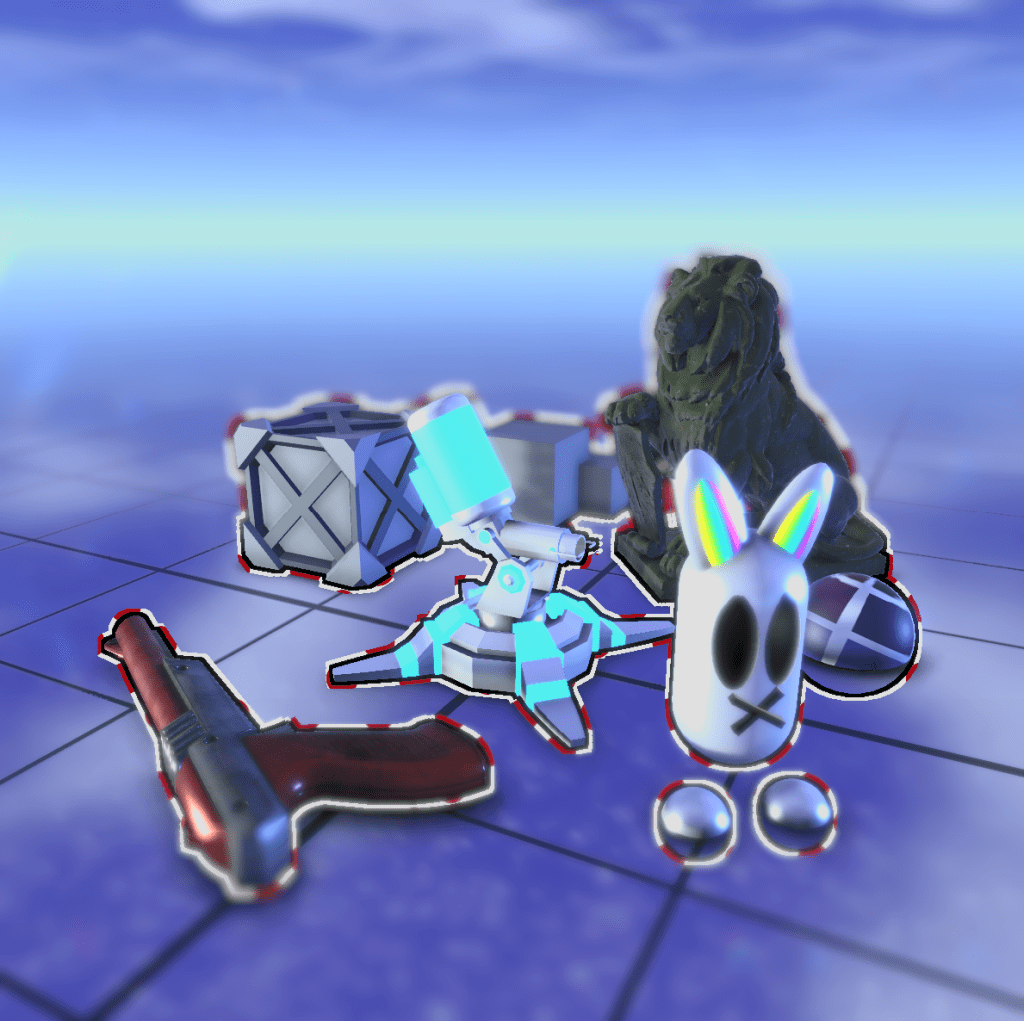
#⭕Silhouette
Simple Binary render texture mask based silhouette outlines that are stable fast and reliable, with controllable thickness in constant pixel size Screen-Space or in world unit size camera View-Space.
⭕ Silhouette Outlines
The Outline System comes with many different types of Shader Graph outline shaders for many different types of uses and games.
The most basic type are masked Silhouette (selection) outlines that are created by rendering the objects that require outlines into mask render textures during masking render passes, which are then used by the final full-screen composite outline shaders of the system to render many different types of silhouette outlines.
All masking and composite outline shaders of the outline system are manually crafted with Unity Shader Graph so remixing outline shaders to create your own becomes a breeze!
Masked Contour Outlines
🌐
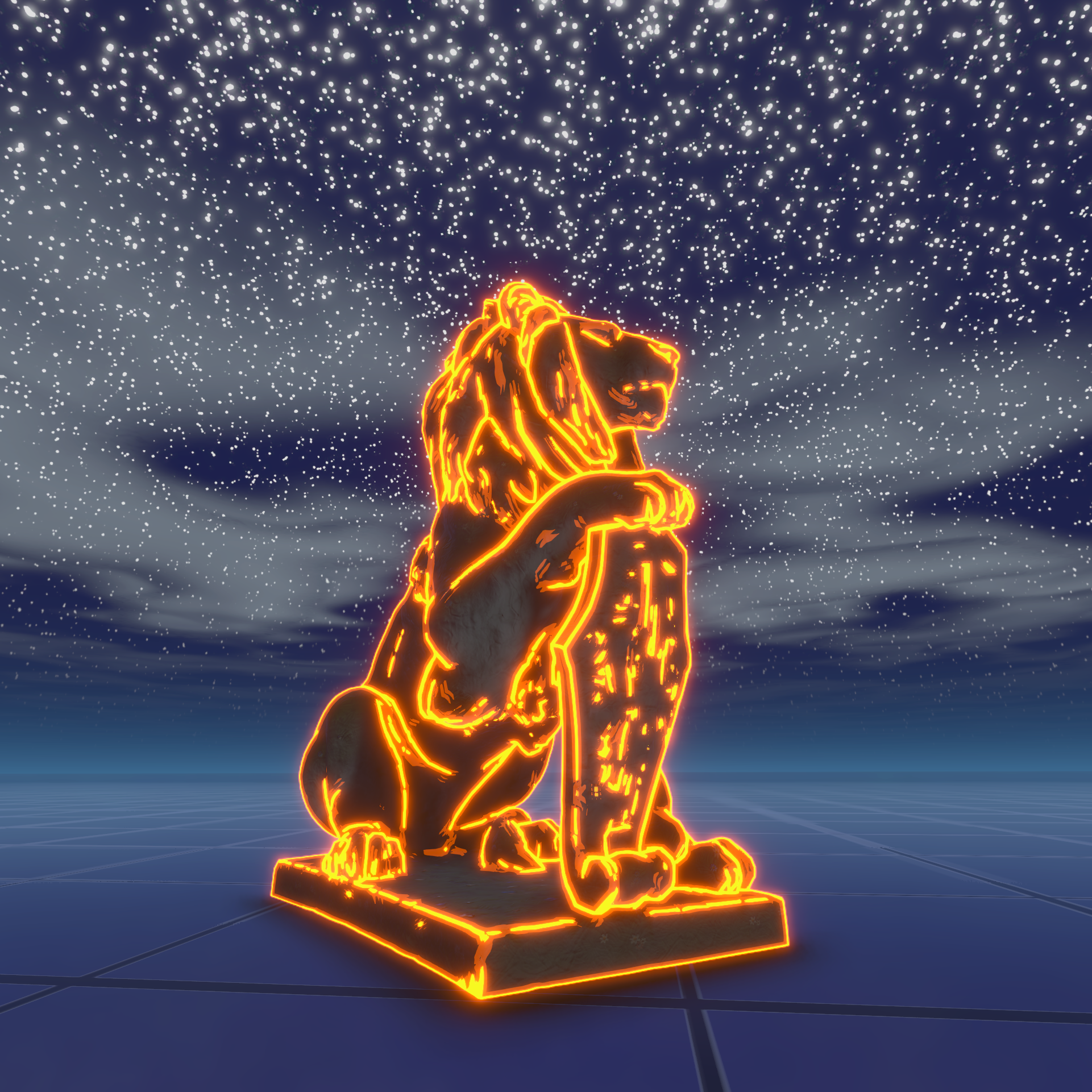
#🌐Contour
Basic and Advanced Color, Depth and Normal mask based Contour outlines that use special edge detection convolution kernels for full and precise outlines even under noisy conditions.
🌐 Contour Outlines
The Outline System includes many different types of Contour outlines that use basic and cheap (for mobile) or advanced edge detection methods to detect fine edges on the entire geometry/surface of the models, by looking at the orientation of the surface normals (to detect sharp angles), by looking at the scene depth (to detect large depth discontinuities) or by looking at the color information (to detect sudden changes in brightness).
The system comes with Basic and Advanced Tier Contour outline shaders that combine the surface normal and scene depth information to draw highly stable and reliable contour outlines sitting perfectly on top of the curves and edges of your models.
Mask Overlays
🔲
#🔲Overlay
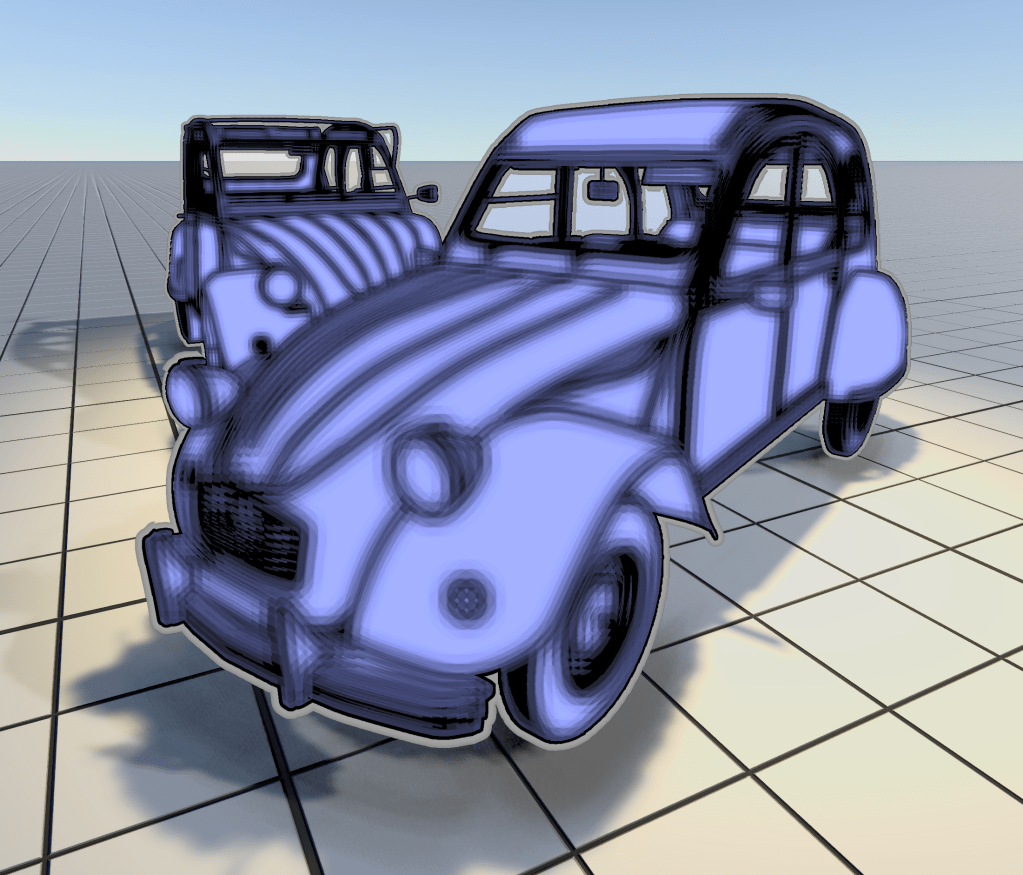
To create the effect seen in this image a blur mask overlay and a silhouette outline shader were used simultaneously. The outline system makes it easy to render/stack multiple types of outlines and overlays on top of each other. Each Outline3DRenderFeature is basically its own mini render pipeline!
🎭 Mask Overlays
The outline system also includes different types of outline geometry mask overlays that can be used to highlight specific objects with color or to apply cool post-processing effects like blur or dither to selected objects.
Hybrid Outlines

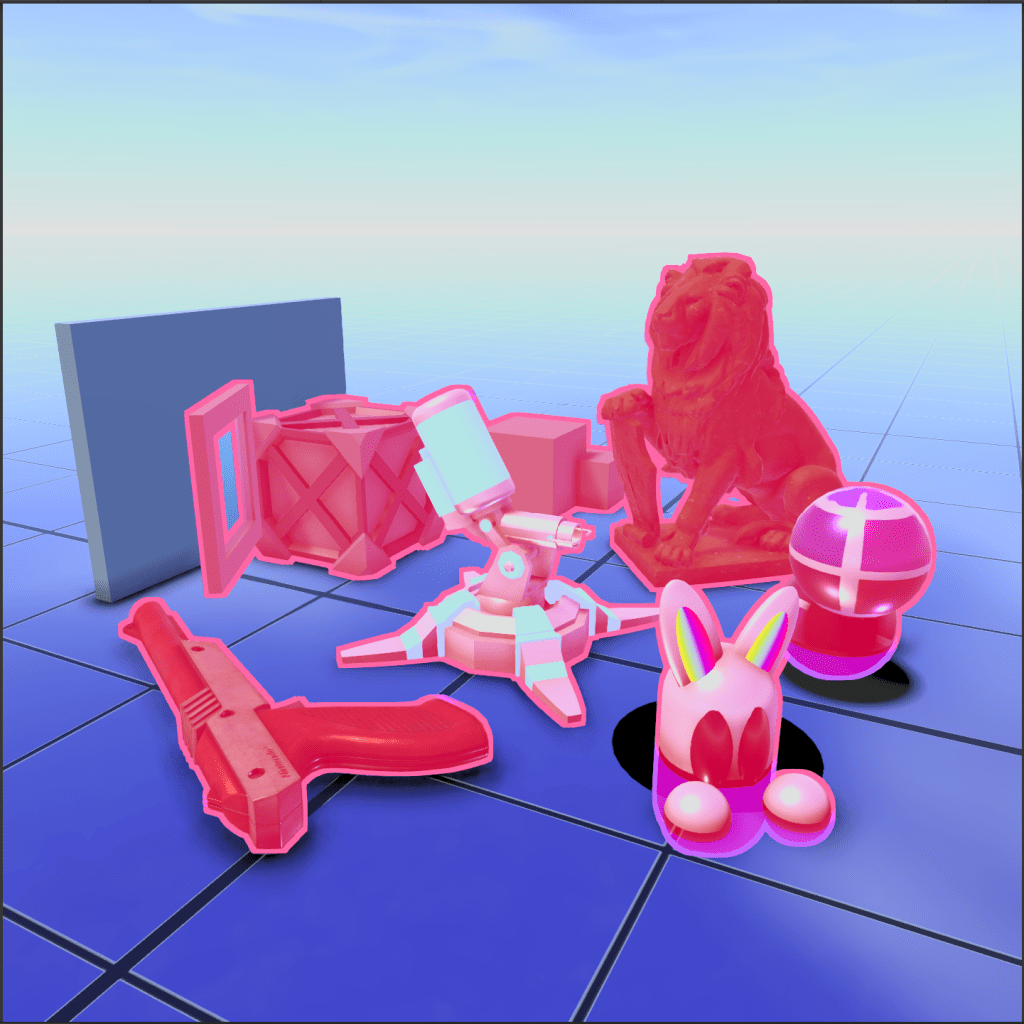
#🐦🔥Hybrid #⭕Silhouette #🔲Overlay
This image shows a Hybrid silhouette outline and color mask Overlay, with different colors for the parts that are occluded by other geometry. Great for highlighting special or selected items in games!
🐦🔥 Hybrid Outlines
The outline system includes a variety of easy to use hybrid composite shaders that are combinations of Silhouette, Contours, Overlays or other Full-Screen effects, to create different visual styles with ease.
Full-Screen Outlines & FX
🎦
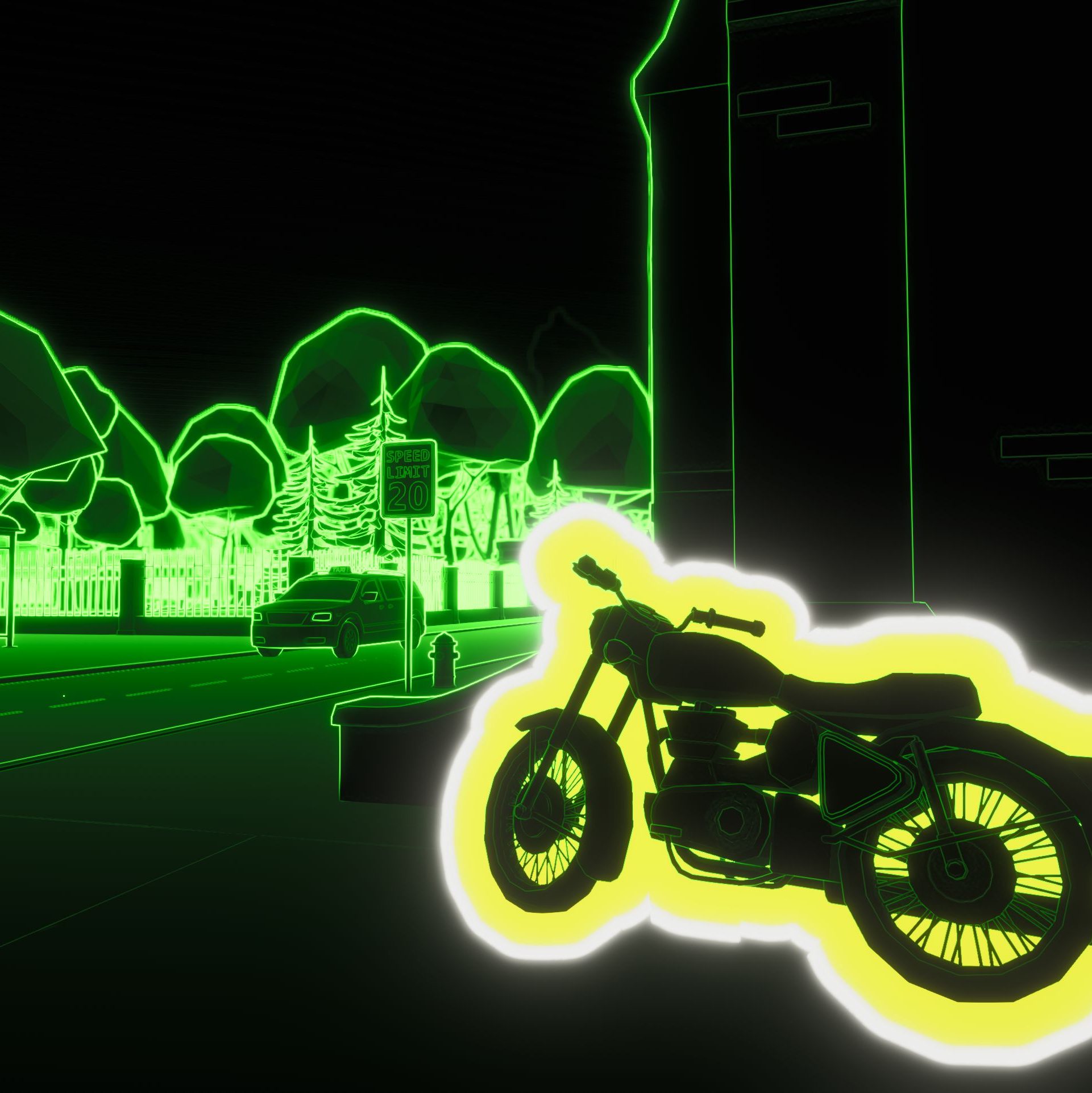
#🎦FullScreen
Here a full-screen edge detection shader was used on the color of the entire scene to create a night-vision style effect and a Pro Tier JFA (Jump Flood Algorithm) distance field multi-color outline shader was used to highlight the motorcycle.
🎦 Full-Screen FX
Because the edge detection algorithms can also be used on the entire color of the scene and not just on the outline geometry masks, the system also comes with Full-Screen FX shaders that don’t require any ‘Outline3D’ objects to be present in the scene, to create full-screen/full-scene edge detection and post-processing effects for a complete style makeover of your game or to make other interesting special camera effects.
Pro JFA DF & SDF Outlines
🌊
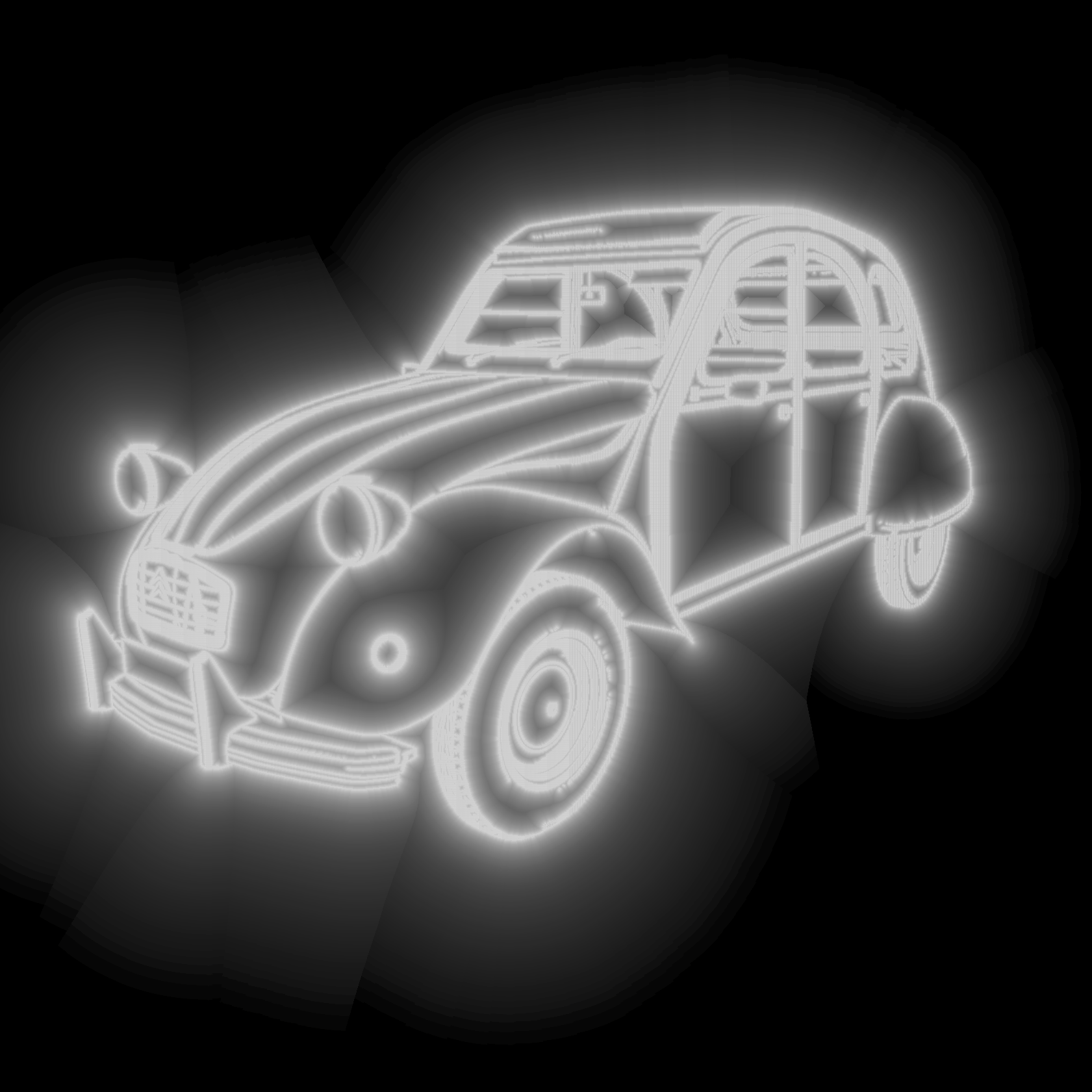
#🌊JumpFloodAlgorithm #SDF
This image shows the raw Contour outlines Distance Field generated from a Jump Flood Algorithm Screen-Space UV Voronoi field. By cutting off or fading out the field at set distances, sharp efficient and ultra thick outlines can be produced.
🌊 Jump Flood Algorithm Distance and Signed Distance Field Outlines
The Pro Tier outline Renderer Feature included with the package adds JFA (Jump Flood Algorithm) Intermediate Render Passes to the pipeline which can produce screen-space Voronoi UV field textures.
From the UV Voronoi fields the Pro Composite shaders of the system generate Distance Fields (on the outside of the mask) or Signed Distance Fields (on the outside and on the inside of the mask) to produce ultra thick Silhouette outlines with.
The system also comes with extra JFA Contour mask shaders for combining the regular edge detection methods with the JFA technique to produce even distance field Contour outlines!
Per-Object Colored Outlines
🪪
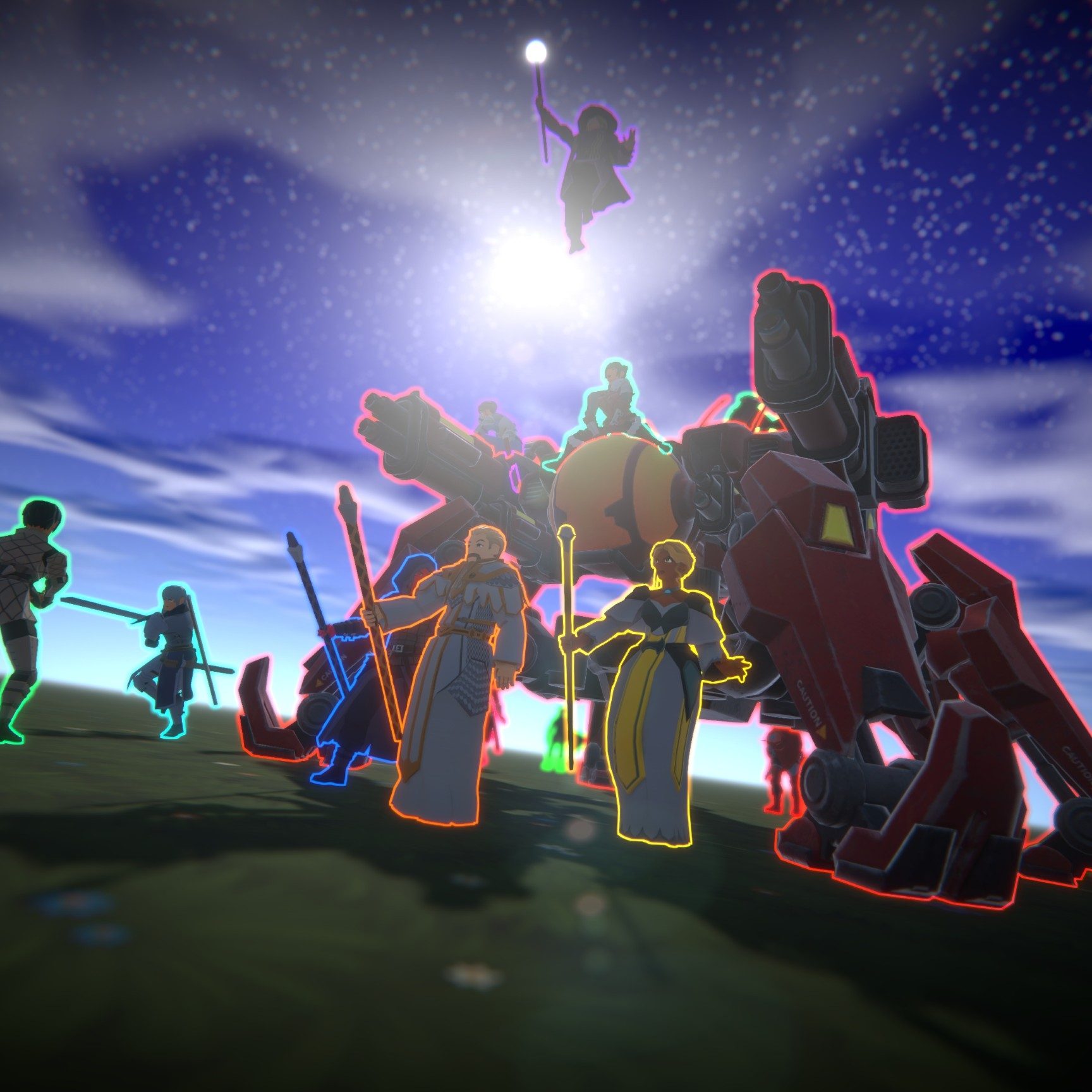
#🪪ObjectIDs #🎨PerObjectColors #🚦PerObjectIntersections
Here each character receives outlines with a different color thanks to the system’s 🪪ObjectID texture mask which stores the 🪪ObjectIDs into the pixels of each character. The unique per-object identifiers also makes it possible to render per-object intersecting outlines, making the effect more than just a colored selection line!
🪪 Per-Object Colored Outlines
Looking for something really special for your game, like per-object, per-character or per-team colored outlines? The outline system includes Advanced and Pro tier silhouette outline shaders that can color the outlines based on the outline models unique or shared Object IDs.
The system includes both per-object colored outlines as well as per-object outline intersections between objects and has a clear demo scene that demonstrates how the system can be used for per-team colored outlines that can easily be modified at runtime.

